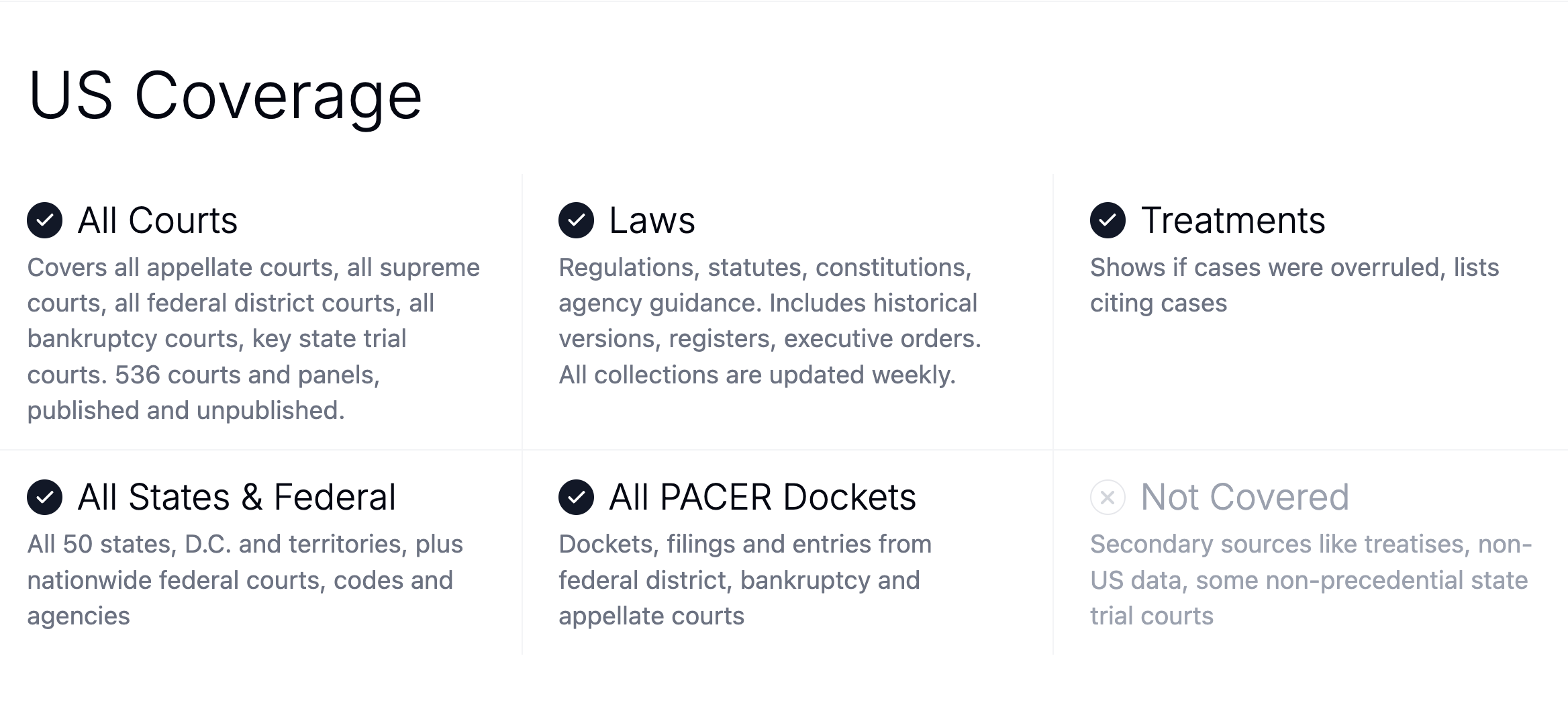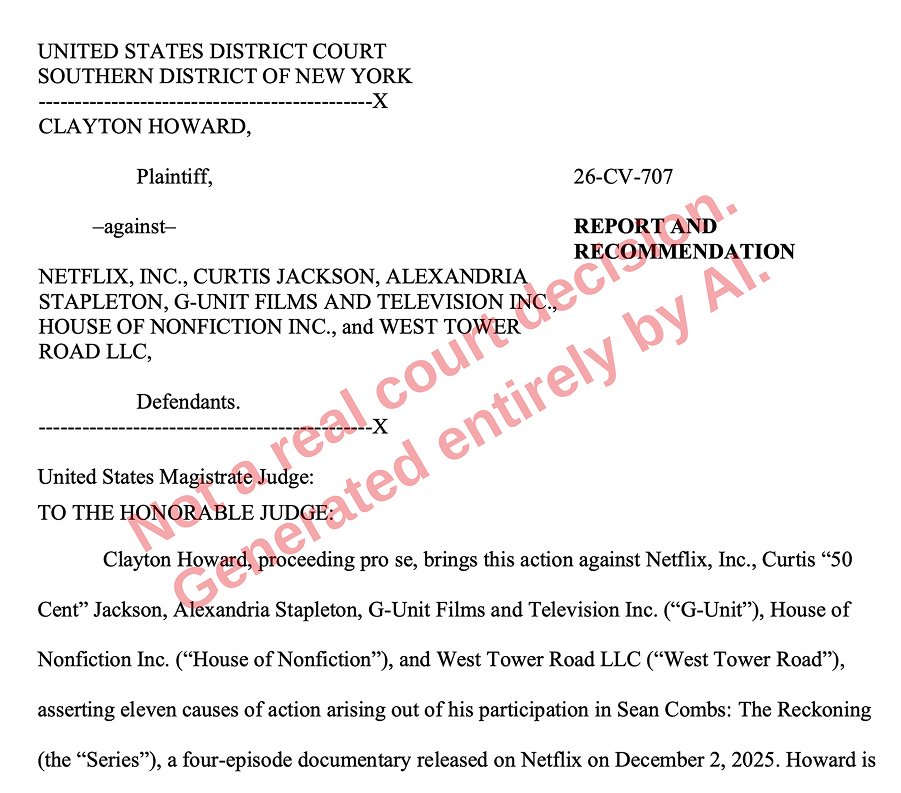
Perplexity users can now search 13.8 million U.S. court opinions, statutes, and regulations through Midpage — directly in Perplexity, no separate subscription required. Answers draw on full-text primary law with hyperlinked citations, and Midpage's AI-powered citator flags negative and caution treatment so you know whether a case is still good law before you rely on it. No authentication is needed, but if you have a Midpage license, you can connect your account directly for higher usage.
Here's how to set it up.
Option 1: Use Midpage as a premium source (free for all Perplexity users)
Every Perplexity user — including free accounts — can query Midpage's database without a Midpage account. You get an allotment of queries per day depending on your Perplexity plan (Pro users get more than Free users, and so on up through Max and Enterprise).
To turn it on:
- Start a new Perplexity session.
- Type @midpage before your prompt, or click the + button, navigate to Connectors, and select Midpage.
- Ask your legal research question.
You can also combine Midpage with web search or other sources in the same query — useful when you want case law alongside news coverage or commentary.
Option 2: Connect your Midpage license as a custom connector
If you reach your built-in usage limit on your Perplexity plan and have an active Midpage license, you can keep going by adding Midpage as a custom connector. This option routes your queries through your own Midpage account instead of Perplexity's shared allotment.
Setup takes about two minutes:
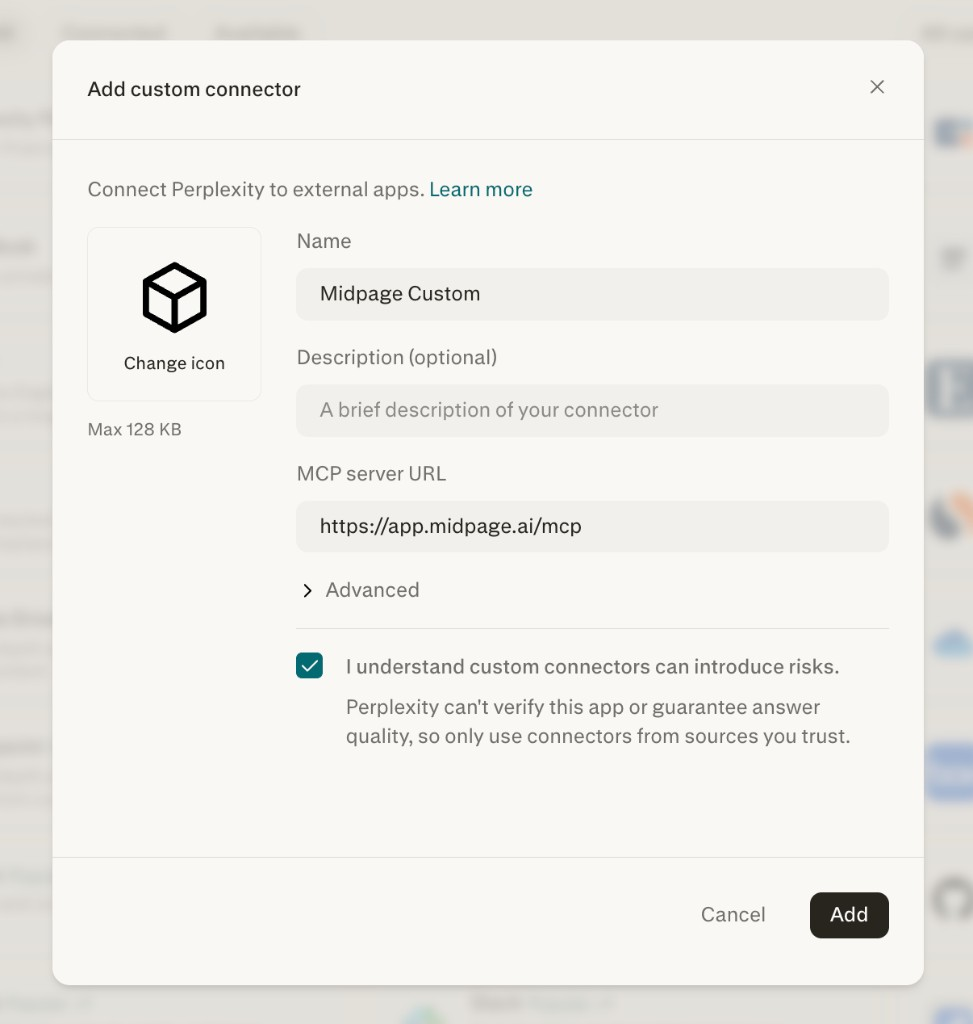
- In Perplexity, go to Connectors → Manage Connectors → Add Custom Connector.
- For the MCP server URL, enter https://app.midpage.ai/mcp.
- Give the connector a name — something like Midpage Custom — and click Add.
- On the Manage Connectors page, click your new connector, then click Add Connector. You'll be taken to Midpage to sign in with your username and password.
- Back in the chat, make sure your custom connector is selected as a source, and ask away.
Don't have a Midpage license yet? You can start a two-week free trial — no sales call required.
Get started
Open Perplexity, type @midpage, and ask your research question. And if you find yourself hitting query caps, a Midpage license removes the ceiling in Perplexity and gives you access to the Midpage platform as well.